



What it does
Built with WebRTC for peer-to-peer audio/video, Socket.IO for signaling and real-time chat/host controls, React on the frontend, and Postgres for room state.
Video and audio calls
Adaptive quality, screen sharing, and background blur, all peer-to-peer over WebRTC.
Guest access
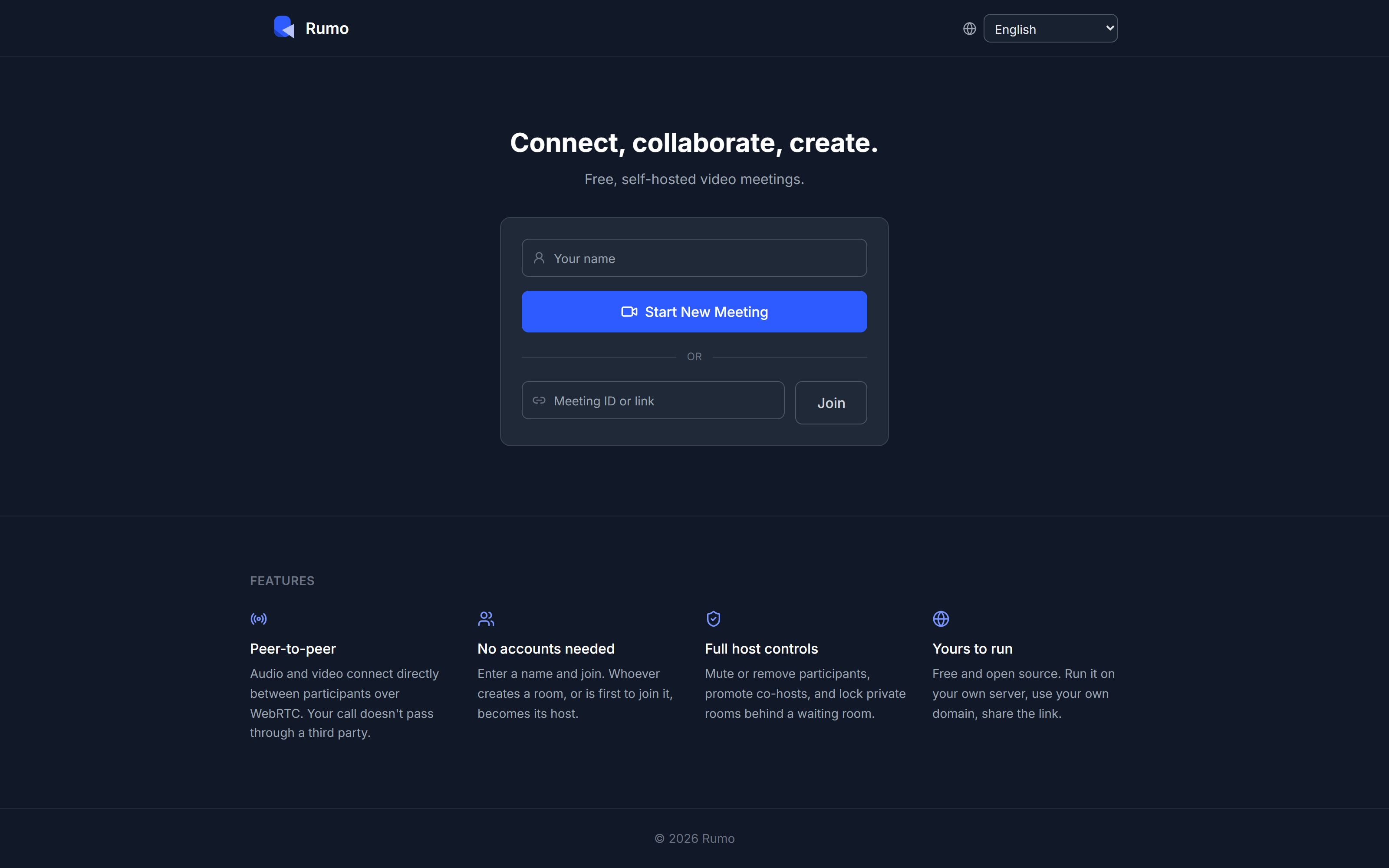
Enter a name and join. No account required. Whoever creates a room, or is first to join it, becomes its host.
Host controls
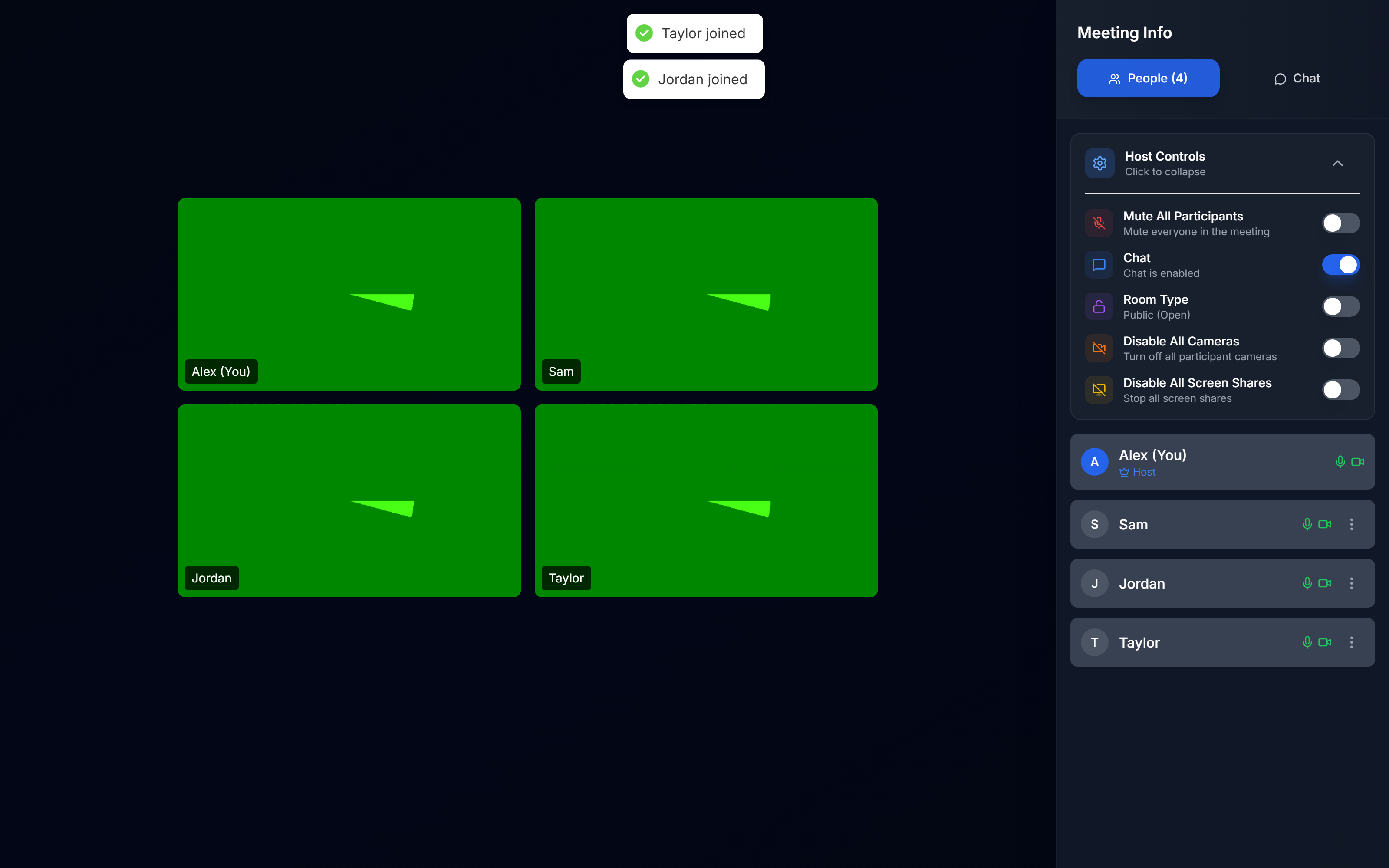
Mute or remove participants, promote co-hosts, lock private rooms behind a waiting room, transfer host mid-call.
Real-time chat
Rate-limited chat alongside the call, delivered over the same Socket.IO connection.
Configurable branding
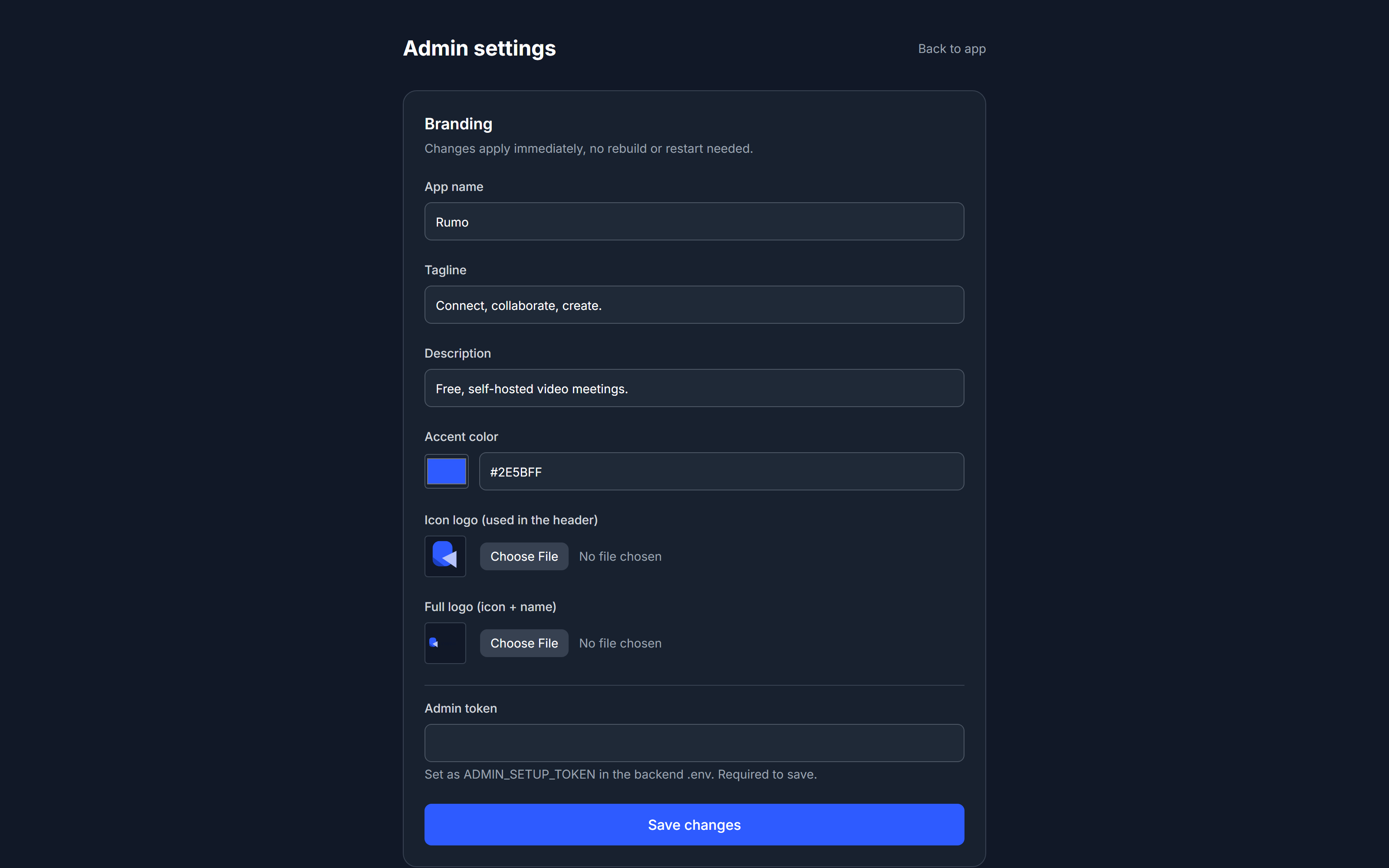
Change the name, logo, tagline, and accent color from an admin panel in the browser, or a JSON file. No rebuild required.
Built-in i18n
Every UI string lives in one lang.json. Add a language by adding a column, not a new system.
One-command HTTPS
Point a domain at your server and the installer sets up a reverse proxy with a free, auto-renewing certificate.
How it works
No accounts, no external identity provider, and nothing to configure just to let people talk.
1. Create a room
A guest hits "Start meeting." The backend generates a room and a shareable link. Nothing is stored about who created it beyond a display name.
2. Share the link
Anyone with the link enters a name and joins. The first person into an empty room becomes its host.
3. Talk directly
Audio/video flows peer-to-peer over WebRTC. The server only relays signaling (offers, answers, ICE candidates), chat, and host-control events over Socket.IO, it never sees your media.
Quick start
Requires Docker and Docker Compose.
git clone https://github.com/BrahmjotSingh0/rumo.git
cd rumo
./install.sh      # Windows: .\install.ps1
That checks for Docker, generates .env with random secrets, and starts everything. It also asks for an optional domain name to set up free HTTPS automatically. Once it's running, open /admin to set your logo, name, and colors.
Documentation
Everything also lives in the repository itself.